
Merge Excel Tables with XLOOKUP in 10 Minutes
No more hunting for errors, fixing formulas, or asking coworkers for help
Does this sound familiar?
If you work with Excel tables, chances are at least one of these situations feels familiar.

You try to merge tables, but the function doesn’t work
Not sure where the error is or why it’s failing

VLOOKUP is confusing and throws errors
One small mistake breaks the whole function

You end up asking a coworker for help again
The one who “knows VLOOKUP”
Who is this mini course for?
- You work with Excel tables and want to connect data faster
- You need to pull in an extra column based on an ID or other key
- VLOOKUP feels confusing or keeps throwing errors
- You want a practical solution without lengthy theory
What this course is not
- A long, general Excel fundamentals course
- Power Query, Pivot, or Power BI topics
- Complex formulas without clear, practical context
- Hours of theory you don’t need for this specific problem
After this course, you’ll be able to:
- Confidently merge Excel tables in seconds
- Stop relying on old, confusing functions (like VLOOKUP)
- Understand how table merging actually works
- Know what causes the most common errors and how to avoid them
- Save yourself a lot of time and unnecessary manual work
- Never have to ask a coworker for help with this again
How it works
Just a few simple steps (even if you’re not a “numbers person”)

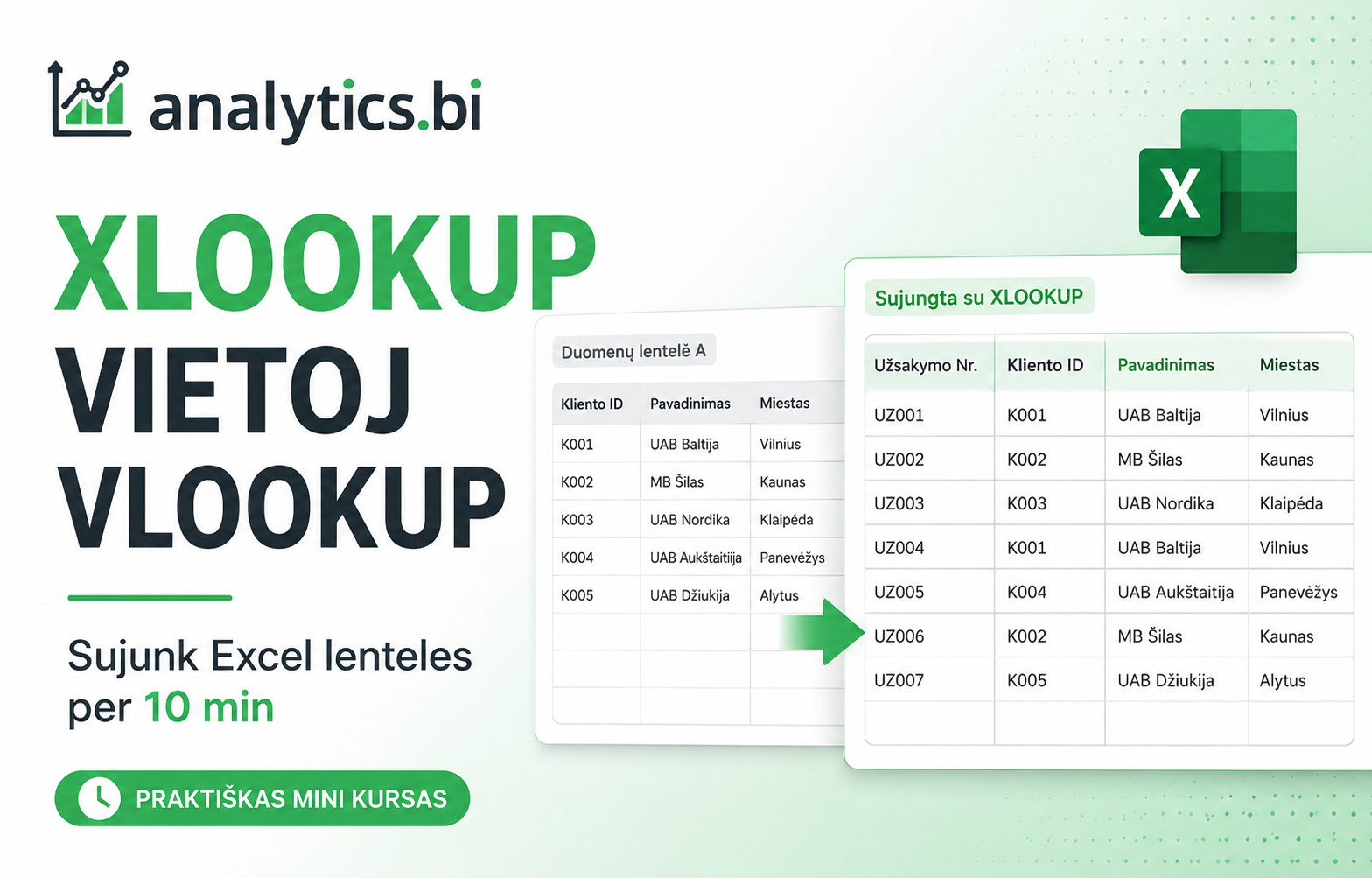
Convert your ranges into Excel Tables
So the function works reliably and automatically

Choose the XLOOKUP function
A clear, step-by-step structure with none of VLOOKUP’s confusion

Press OK and watch the data fill in automatically
The result appears instantly – no errors, no manual work
What’s included in this mini course
A short, results-focused course – no filler theory, just what you need to start merging tables right away.
Introduction
A quick look at the problem and why VLOOKUP often causes more confusion than it solves
Merging tables with XLOOKUP
A simple, step-by-step walkthrough of how to merge two or more tables
Key things to know
What you need to know for everything to work smoothly (IDs, Excel Tables, program versions)
Common mistakes
What people tend to do wrong, and how to avoid it
Hands-on exercise
A chance to immediately practice merging tables yourself
Wrap-up
A short summary and what to do next
What people who tried this mini course say
I finally feel like I understand how to merge tables. And now it seems so simple I don’t even know why I used to get stuck.
Before this course I used to avoid table-merging tasks, and if it didn’t work I’d ask a coworker for help. Now it all feels almost laughably simple.
I’d taken more than one course on Excel and VLOOKUP at work. But the moment I had to merge tables on my own, everything I’d learned seemed to vanish. After this course, it all makes a lot more sense.
Frequently asked questions
Is this course suitable for beginners?
Yes — the course is designed so that even people who have never used a lookup function before, and only use Excel for the simplest tasks, will understand it.
How long does the course take?
Just 10 minutes. The whole point of this mini course is to help you pick up the table-merging skill quickly and for good — saving you hours of work, and a fair amount of frustration.
Will it work with my version of Excel?
You’ll need Excel 365 or Excel 2021 (for the XLOOKUP function).
Do I get a hands-on exercise?
Yes — the course includes a file you can practice with right away, step by step, exactly as shown in the practice lesson. You can also come back anytime and revisit it at your own pace.
How long do I have access?
Unlimited. Although once you’ve learned this, you’re unlikely to need the lessons again — but you’re always welcome to come back and review them.
Merge Excel Tables with XLOOKUP in 10 Minutes
A short, hands-on mini course – no errors, no unnecessary confusion, no VLOOKUP limitations