
Copy/Paste is the most natural way to move data into a report – everyone starts there. And while the report is small and done rarely, it works perfectly fine.
The problem starts when you repeat the same copying every week or month. This is where Power Query outshines Copy/Paste – not because it’s „more modern”, but because it solves what Copy/Paste fundamentally can’t.
1. The Copy/Paste problem is repetition, not speed
One copy-paste takes seconds – it seems fine. But a report isn’t a one-off job: you do it again and again. Add up all those „quick” copies over a year, and they turn into days.
Power Query looks at it differently: if a process repeats, it should be recorded, not repeated by hand.
2. Once, not every time
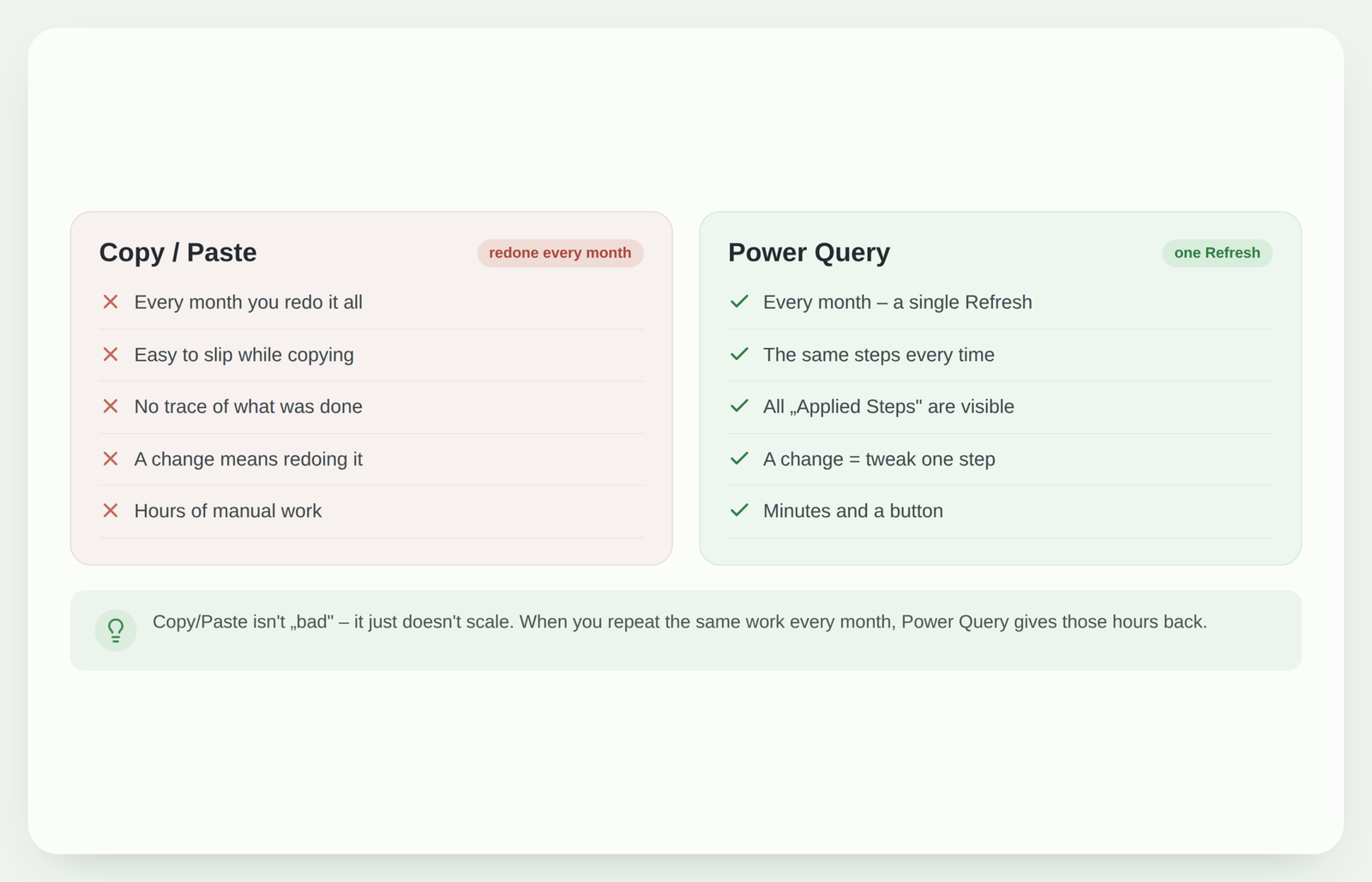
With Copy/Paste you perform the same actions every month: open, copy, clean, arrange. With Power Query you record these actions once as a query, and next month the data goes through the same steps automatically.
You stop being the one who does the work and become the one who presses Refresh.
3. Visibility: Applied Steps vs a „black box”
Copy/Paste leaves no trace. A month later you no longer remember which column you removed or how you calculated a total – and if something’s off, it’s hard to find where.
Power Query records every action as an „Applied Step”. You see the whole path from raw data to result, and you can review, fix or repeat it. The report stops being a black box.
4. Fewer errors, more trust
Manual copying is a source of errors: one row too many, a skipped file, an accidentally overwritten formula. And such errors are hard to spot.
Because Power Query applies exactly the same steps every time, the result is consistent. You can trust the numbers, because they were produced the same way each time.
5. „But I’m used to Copy/Paste” – why it’s still worth switching
The most common reason to stay with Copy/Paste is habit and the feeling that „learning something new will take time”. But Power Query isn’t programming: most actions are done with the mouse, using the same buttons.
Setting up the query once pays off the very next month, and the skill carries over to all your other reports.
What to do next?
You don’t have to drop Copy/Paste all at once. Pick the one report you do most often and build a Power Query query for it once. Next month you’ll feel the difference.
You’ll find the practical steps here: how to automate an Excel report with Power Query. And if you’re choosing between the folder and copy-paste methods, see Folder Import or Copy/Paste.
Conclusion
Copy/Paste isn’t a mistake – it’s a natural start. But for repetitive work it’s expensive: in time, in errors and in lost visibility. Power Query turns the same work into a single Refresh that can be repeated, reviewed and trusted. Switching is worth it not because it’s trendy, but because you get your hours back.
Still copying reports by hand?
I can review your process and show you how to turn those same copy-pastes into a single Refresh – using Excel, Power Query or Power BI.
Assess automation optionsPower Query cheat sheet: automate your report
The key steps, the 5 common mistakes, and when automating is worth it.
- PDF · 2 pages, practical
- No spam — value only