How to Merge Excel Tables from Different Files with XLOOKUP
Learn how to merge Excel tables from different files using XLOOKUP. Practical example, common mistakes, and tips to avoid errors.


Learn how to merge Excel tables from different files using XLOOKUP. Practical example, common mistakes, and tips to avoid errors.
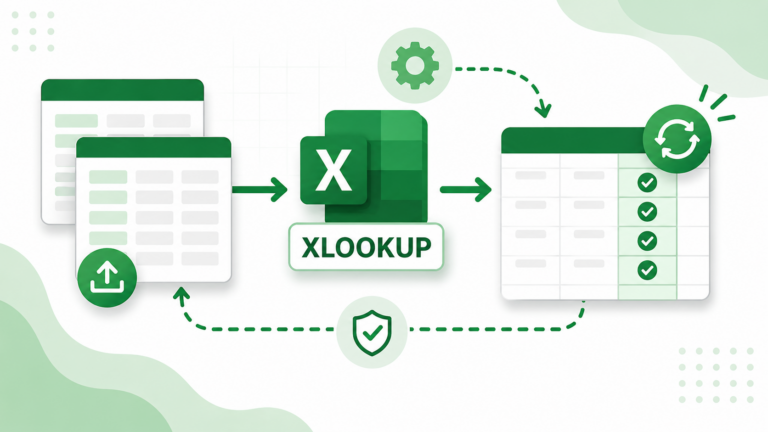
Learn how to automate merging Excel tables with XLOOKUP – reduce manual work and the risk of errors in repetitive processes.

Learn how to use XLOOKUP with search_mode = -1 to find the last match in an Excel table instead of the first. Practical example and video tutorial.

Learn how to use XLOOKUP with multiple criteria (like ID and city) to merge Excel tables accurately. Practical example and video tutorial.

Learn how to return multiple columns at once with the XLOOKUP formula in an Excel table. Practical example, common mistakes, and a video tutorial.

Learn the 10 most common XLOOKUP problems in Excel tables – from #N/A errors to duplicate IDs – and how to fix them quickly.
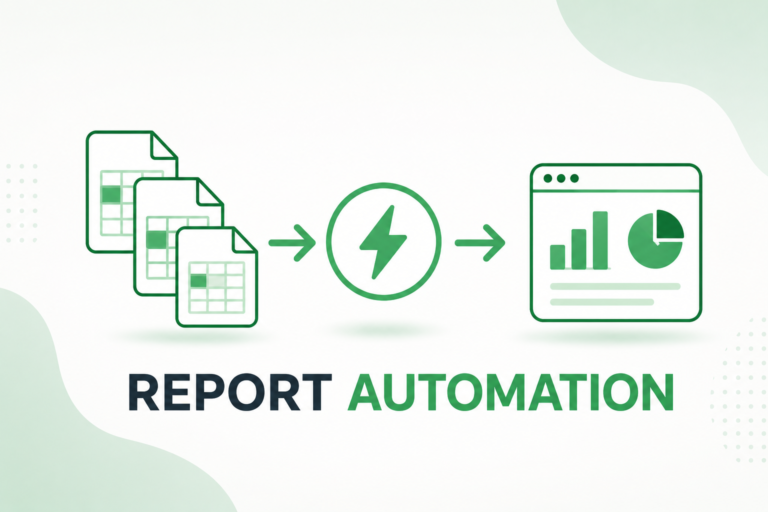
Find out what Report Automation is and how to automate Excel reporting using Power Query. Less manual work and faster reports.

Learn how to automate an Excel report using Power Query, with a real example using CSV files, the Folder method, and automatic dashboard refresh.
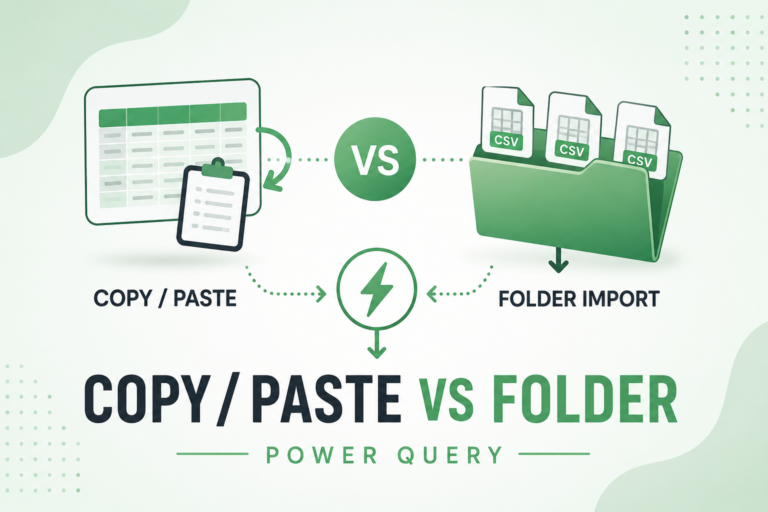
Learn when to choose Folder Import and when to use Copy/Paste for Excel report automation, with practical examples and recommendations.