What is DAX?
DAX (Data Analysis Expressions)– is a formula language used in the Power BI model to build calculations.
DAX is used in almost every step of the Power BI model – from simple sums to complex business-logic calculations.
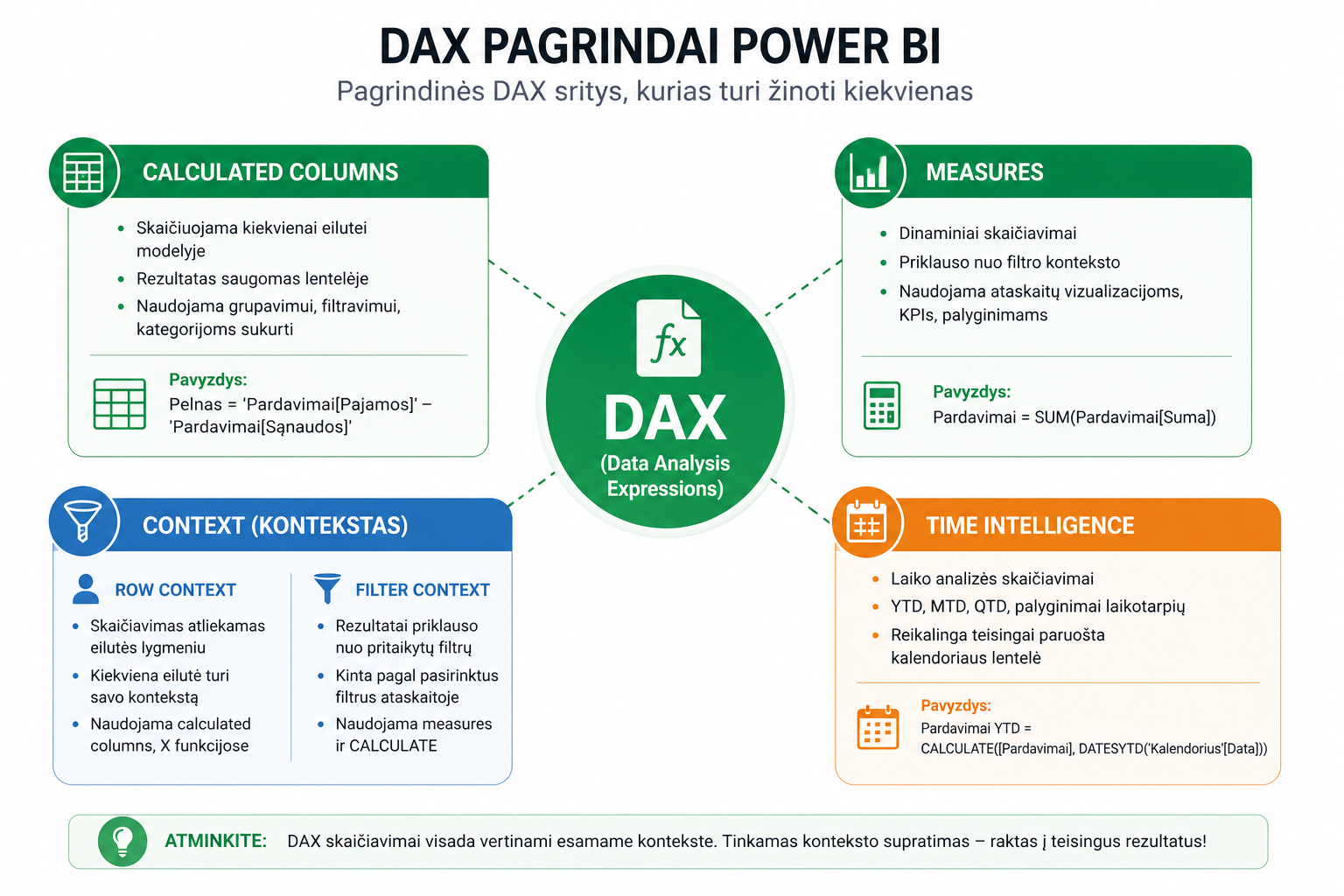
Calculated Columns vs Measures
Calculated columns– are calculated for each row and stored in the model.
Measures– are calculated dynamically based on filters.
- Column → a static result
- Measure → a dynamic result
Row context and Filter context
Row context– the calculation happens at the row level.
Filter context– the calculation depends on filters (city, date, product).
More on this:a row and filter context explanation.
Iterator (“X”) functions
“X” functions iterate over the table and calculate each row.
SUMX(Sales, Sales[Quantity] * Sales[Price])
More:DAX X functions.
Time Intelligence
DAX lets you analyze time: YTD, MTD, comparisons.
CALCULATE([Sales], DATESYTD(Calendar[Date]))
More:a Time Intelligence explanation.
DAX best practices
- Use measures instead of calculated columns
- Keep measures in a separate table
- Use clear names
- Avoid unnecessary calculations
One of the most important functions worth learning:the CALCULATE function.
What to read next
Conclusion
DAX is the essence of Power BI. Once you understand the basics – context, measures and time – you can build truly useful analyses.
Power Query cheat sheet: automate your report
The key steps, the 5 common mistakes, and when automating is worth it.
- PDF · 2 pages, practical
- No spam — value only